About this product
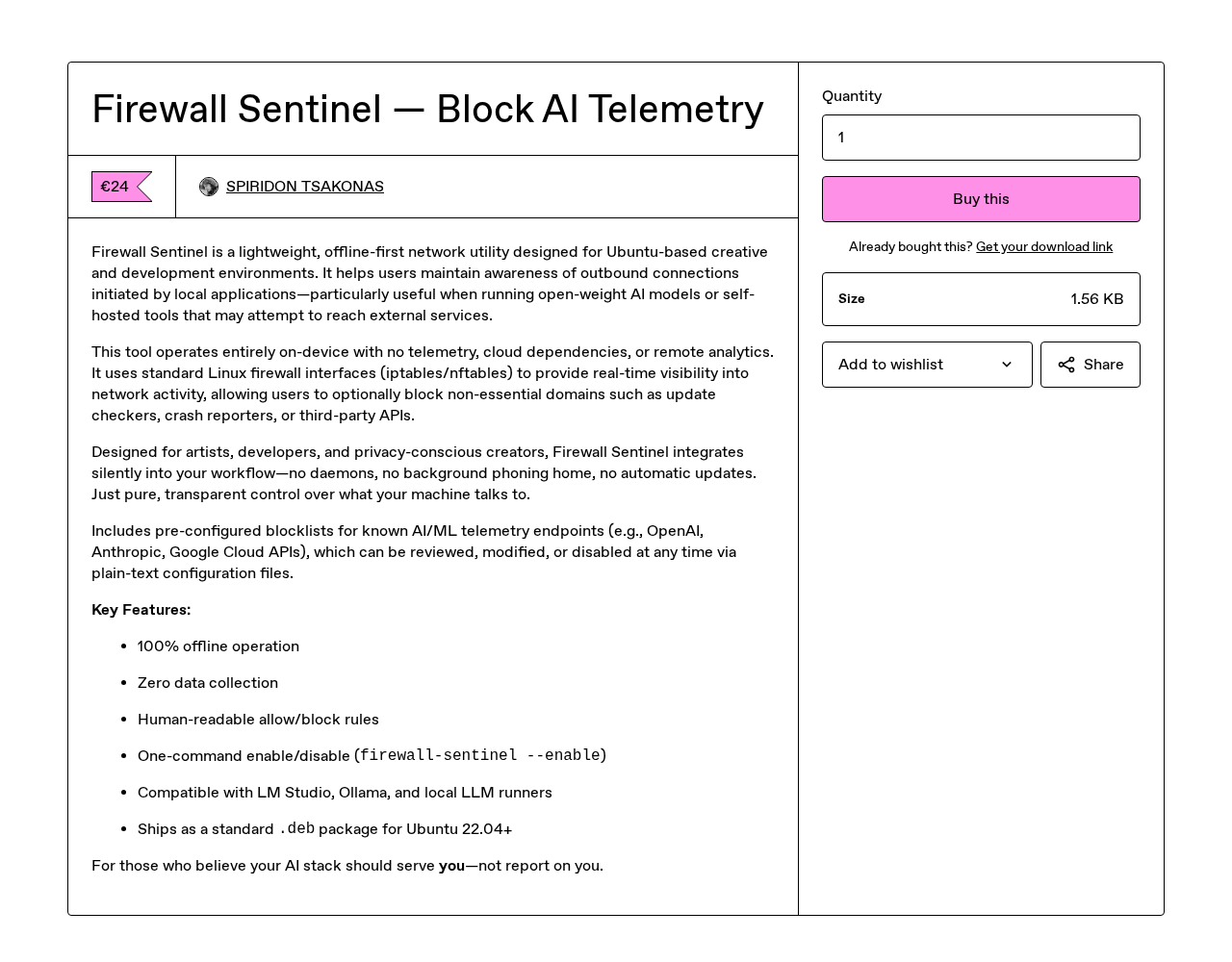
Firewall Sentinel: stop this machine from reaching the AI service addresses you choose.

- Blocks the AI service addresses in its list by adding them to the system hosts file, so apps on this machine cannot reach them: api.openai.com, oai.azure.com, api.anthropic.com, api.claude.ai, generativelanguage.googleapis.com, api.google.ai, api.microsoft.com, cognitiveservices.azure.com.
- If one of those addresses already has its own line in your hosts file, it is never overridden: Firewall Sentinel tells you it is NOT blocked, and on which line.
- One command on, one command off (sudo firewallsentinel enable / disable); disable puts the hosts file back exactly as it was.
- Running enable again never duplicates the block, and firewallsentinel status shows what is blocked.
- The list is a plain text file you can edit: firewall-sentinel/blocklist.txt.
- It touches no address that is not on the list, and removing the package removes the block.
- It is not a firewall: it does not watch or block any other traffic.
- Needs no extra folders and writes nothing in your home; tested on Ubuntu 24.04.

Install: sudo apt install ./firewall-sentinel_1.1.0_all.deb

— Cyrus Nash • Light in the Dark Solutions
From the product listing on Gumroad, where you buy it.